


Choosing accounting software is one of those decisions that feels overwhelming until you break it down. You have probably heard of both Zoho Books and QuickBooks Online; they consistently rank among the top options for small and medium businesses. But are they actually similar? And more importantly, which one fits your specific needs?
Let’s look at what each platform offers, how they compare on features and pricing, and who each one is really built for.
What is Zoho Books?
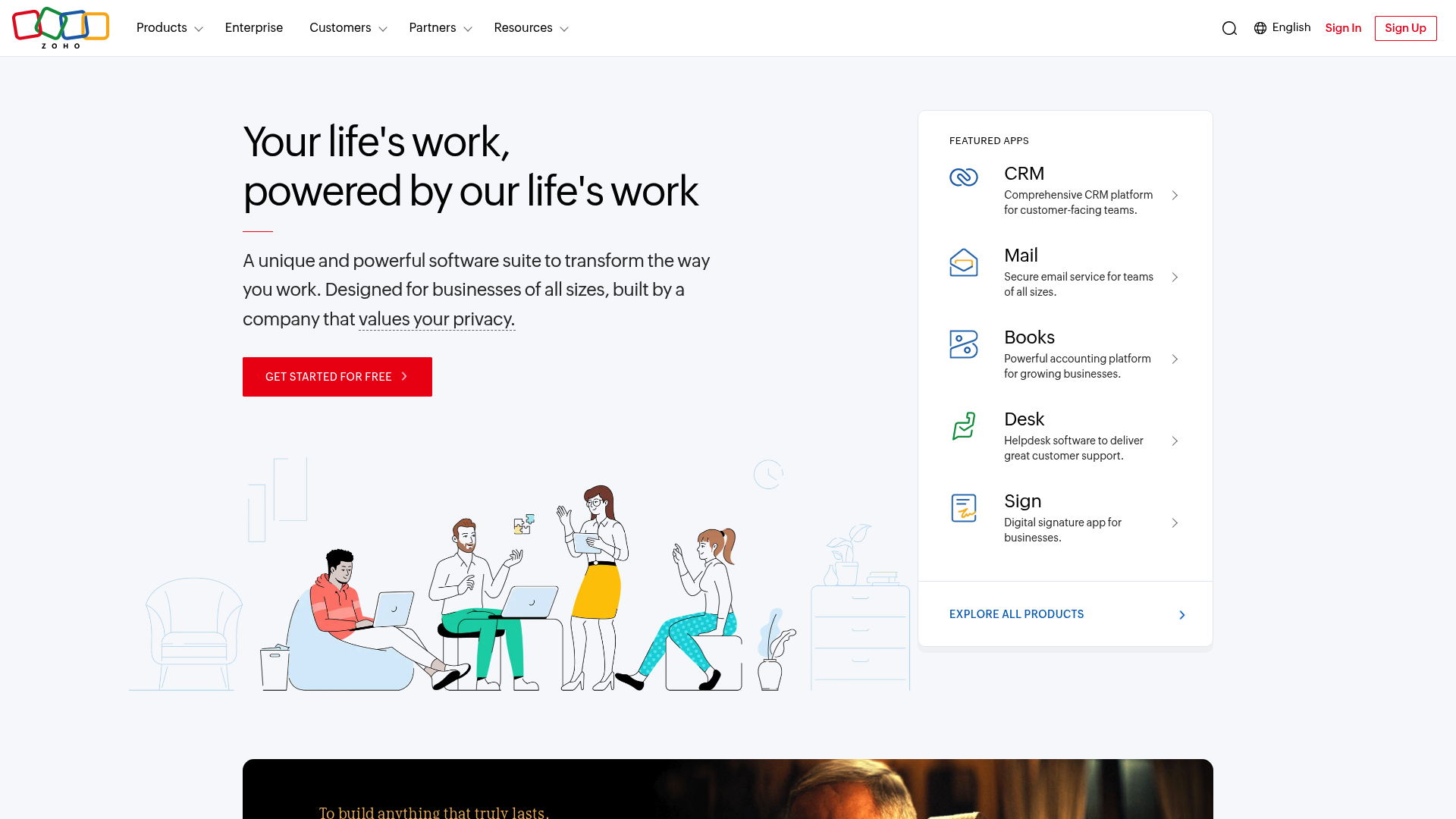
Zoho Books is cloud-based accounting software developed by Zoho Corporation, an Indian company that has been building business applications since 1996. It is part of a larger ecosystem of over 55 integrated business apps including CRM, project management, inventory, and HR tools.
Zoho Books targets small to medium businesses, freelancers, and startups that want comprehensive accounting features without enterprise-level pricing. The platform emphasizes affordability, customization, and seamless integration with other Zoho applications.
Want to streamline your business with Zoho? Book a consultation session with our Zoho Experts.
Key strengths include a genuinely free plan for small businesses, robust automation capabilities, and multi-platform accessibility (iOS, Android, Windows, and even Kindle). For businesses already using other Zoho products, Books fits naturally into an integrated workflow where data flows between CRM, projects, and accounting without third-party connectors.
What is QuickBooks Online?
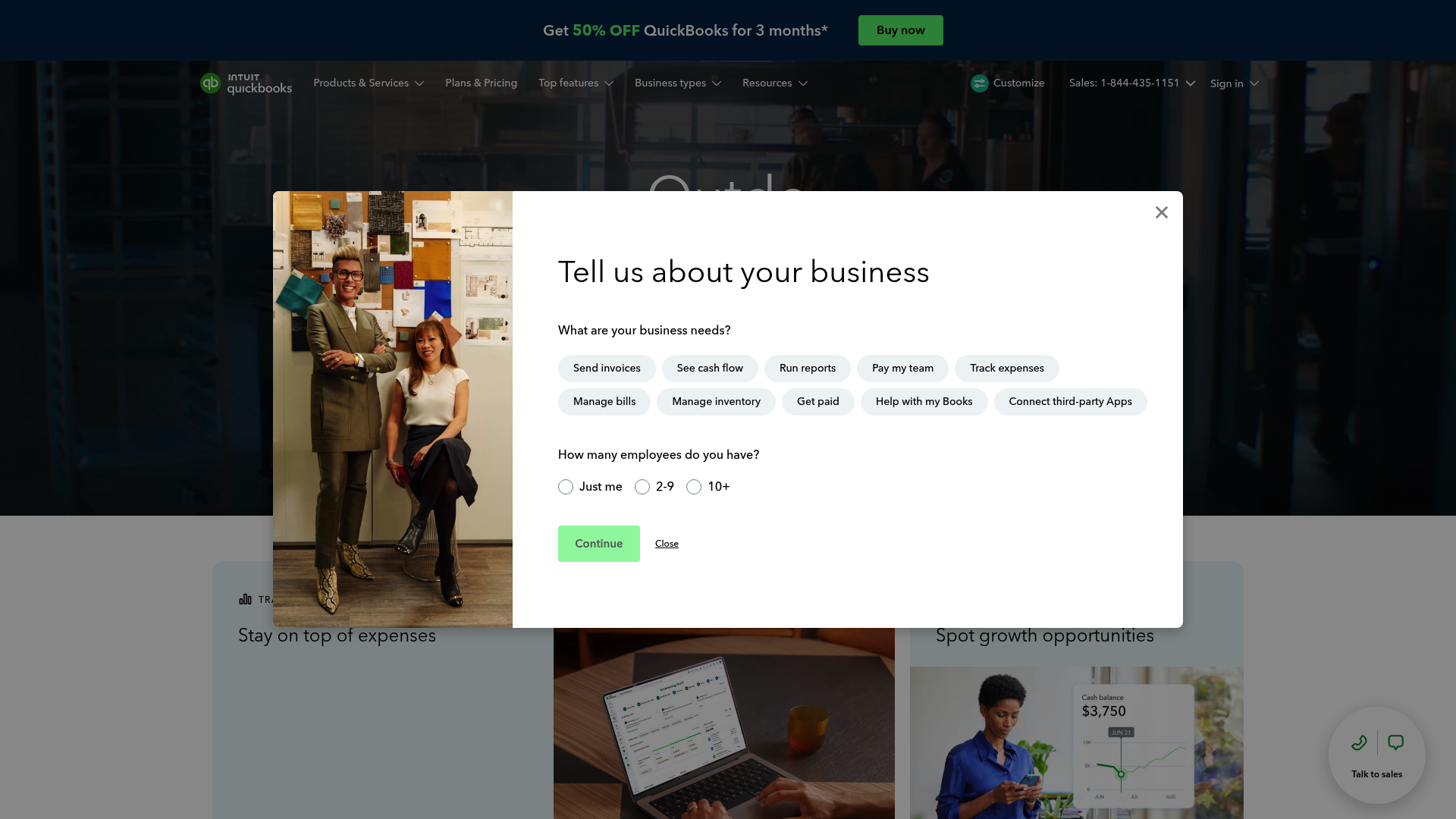
QuickBooks Online comes from Intuit, a financial software company founded in 1983 and headquartered in California. It holds a dominant position in the accounting software market with over 34% global market share, making it the most widely recognized name in small business accounting.
QuickBooks targets small to midsize businesses that need comprehensive financial management, particularly those working with external accountants or bookkeepers. The platform emphasizes depth of features, extensive reporting capabilities, and a vast ecosystem of third-party integrations.
What sets QuickBooks apart is its Intuit Intelligence AI suite, which automates bookkeeping, categorizes expenses, and surfaces financial insights. The platform also offers built-in payroll services (where available), live expert assistance, and priority support options for higher-tier plans.
Feature comparison: Zoho Books vs QuickBooks
Both platforms cover the accounting basics invoicing, expense tracking, bank reconciliation, and reporting. But the depth and approach differ significantly.
Invoicing and billing
Zoho Books offers 16+ invoice templates with extensive customization options, encrypted PDFs for security, and a built-in customer portal where clients can view quotes, approve estimates, and make payments. You can send up to 1,000 invoices annually on the free plan.
QuickBooks provides 6 customizable templates, but adds direct payment links within invoices and SMS delivery options. There are no invoice limits, and the platform integrates tightly with QuickBooks Payments for streamlined collection.
Bottom line: Zoho wins on template variety and portal features; QuickBooks offers more flexible delivery and payment options.
Expense tracking and bank reconciliation
Both platforms connect to bank accounts for automatic transaction imports. Zoho includes auto-scan for receipts, mileage tracking, and the ability to set up recurring expenses. QuickBooks adds AI-powered transaction categorization that learns from your patterns over time.
For bank reconciliation, both offer automated matching and rule creation. Zoho provides transaction approval workflows in higher tiers, while QuickBooks includes anomaly detection and AI-powered reconciliation assistance.
Reporting and analytics
This is where QuickBooks pulls ahead. The platform offers 100+ built-in reports with advanced filtering, custom report builders (Advanced plan), and KPI tracking dashboards. Zoho provides 70+ reports with solid customization options and integrates with Zoho Analytics for deeper business intelligence.
For most small businesses, Zoho’s reporting is sufficient. But if you need detailed financial analysis, departmental breakdowns, or custom metrics, QuickBooks offers more depth.
Want to streamline your business with Zoho? Book a consultation session with our Zoho Experts.
Inventory management
Zoho Books includes basic inventory tracking in the Professional plan and above, with features like reorder points and price lists. For advanced inventory (warehouses, serial numbers, batch tracking), you need Zoho Inventory integration.
QuickBooks includes inventory management starting with the Plus plan, offering real-time tracking, low stock alerts, and cost of goods sold calculations. The inventory features are more mature and do not require additional software.
Payroll capabilities
QuickBooks has the clear advantage here. QuickBooks Payroll integrates seamlessly and offers comprehensive coverage across the US and Canada, including automatic tax calculations, direct deposit, and benefits management.
Zoho Payroll exists but has limited geographic availability, covering only select US states. For businesses outside those areas, you will need third-party payroll solutions.
Integrations and ecosystem
QuickBooks connects with over 750 third-party applications through its app marketplace. If you use popular tools like Salesforce, HubSpot, or industry-specific software, chances are there is a QuickBooks integration.
Zoho takes a different approach. While it offers 50+ third-party integrations, its real strength is the Zoho ecosystem of 55+ native applications that work together seamlessly. If you are already using Zoho CRM, Projects, or Inventory, Books integrates without middleware or sync delays.
Pricing comparison
Pricing is where Zoho Books makes its strongest case. Here is how the two stack up:
| Plan | Zoho Books (monthly) | Zoho Books (annual) | QuickBooks Online |
|---|---|---|---|
| Free | $0 (1 user + accountant) | $0 | Not available |
| Entry | $20 | $15 | $38 |
| Mid-tier | $50 | $40 | $75 |
| Premium | $70 | $60 | $115 |
| Enterprise | $275 | $240 | $275 |
Key differences to note:
- Zoho offers a forever-free plan for businesses with annual revenue under $50,000
- Zoho provides annual billing discounts (roughly 25% savings); QuickBooks is monthly only
- Zoho includes more users at each tier (3 users on Standard vs 1 on QuickBooks Simple Start)
- QuickBooks frequently runs promotions (currently 50% off for 3 months)
Add-on costs:
- Zoho additional users: $3/month (or $2.50/month annually)
- QuickBooks Payroll: Additional monthly fee based on plan and employee count
- QuickBooks Time tracking: $20/month base + $8/user
For budget-conscious businesses, Zoho’s pricing structure is significantly more affordable, especially when you factor in the annual discounts and included user seats.
Ease of use and user experience
Both platforms are cloud-based and accessible from any device with an internet connection. But the user experience differs.
Zoho Books has a cleaner, more intuitive interface that is easier to navigate for beginners. The setup process is straightforward, and the platform offers extensive customization options for dashboards and workflows. Mobile apps are available for iOS, Android, Windows, and Kindle devices.
QuickBooks has a steeper learning curve, particularly when configuring advanced features. The depth of functionality means more menus and options to navigate. However, once mastered, the platform offers more powerful capabilities. Mobile access is limited to iOS and Android.
For support, Zoho offers email support on the free plan and email, voice, and chat on paid plans (Monday-Friday, 9am-9pm ET). QuickBooks provides phone and chat support on all paid plans (Monday-Friday, 6am-6pm PT; Saturday 6am-3pm PT), with priority support included in the Advanced plan.
Who should choose Zoho Books?
Zoho Books is the better fit if you:
- Are a startup, freelancer, or small business on a tight budget
- Qualify for the free plan (under $50K annual revenue)
- Already use or plan to use other Zoho applications
- Need an all-in-one integrated ecosystem rather than multiple third-party tools
- Want affordable multi-user access without per-seat pricing
- Operate internationally and need GST compliance or multi-currency support
- Prefer a simpler, more intuitive interface
The value proposition is clear: you get robust accounting features at a fraction of the cost, with the option to expand into other business functions through the Zoho suite.
Who should choose QuickBooks Online?
QuickBooks Online makes more sense if you:
- Have complex accounting needs or a growing business with multiple employees
- Work with external accountants or bookkeepers (most are familiar with QuickBooks)
- Need extensive third-party integrations with specialized business tools
- Require comprehensive payroll services (US/Canada)
- Want advanced reporting capabilities with custom metrics
- Prefer the stability and support of the market leader
- Need built-in inventory management without additional software
The higher price tag buys you deeper functionality, broader payroll coverage, and the comfort of knowing your accountant has probably used QuickBooks before.
Making the right choice for your business
So, is Zoho similar to QuickBooks? Yes and no. Both handle the core accounting functions every business needs invoicing, expenses, bank reconciliation, and financial reporting. But they approach the market differently.
Zoho Books competes on value and integration. It offers a genuinely free tier, significantly lower pricing, and a unified ecosystem that eliminates the need for complex integrations. For small businesses and startups, especially those already in the Zoho ecosystem, it is often the smarter financial choice.
QuickBooks competes on depth and market presence. It offers more advanced features, broader payroll coverage, and the assurance that comes from being the industry standard. For growing businesses with complex needs or those who prioritize accountant compatibility, the premium pricing is justified.
The decision framework is simple:
- If budget and simplicity matter most, start with Zoho Books
- If you need advanced features, extensive payroll, or work closely with accountants, QuickBooks is worth the investment
At Techcom Africa, we specialize in Zoho implementation and support for businesses across Nigeria and Africa. As a Zoho Premium Partner, we help companies design and deploy accounting systems that fit their specific needs, from initial setup to ongoing training and optimization. If you are considering Zoho Books or want to explore how it fits into a broader Zoho One implementation, we are here to help you make the transition smooth and successful.
Frequently Asked Questions
Is Zoho as good as QuickBooks for small business accounting?
Yes, Zoho Books offers comparable core accounting features to QuickBooks, including invoicing, expense tracking, bank reconciliation, and reporting. For many small businesses, especially those with revenue under $50K who qualify for the free plan, Zoho provides better value. However, QuickBooks offers more advanced features, broader payroll coverage, and greater accountant familiarity.
Can I switch from QuickBooks to Zoho Books easily?
Zoho Books offers free migration assistance from QuickBooks Online and QuickBooks Desktop. The process involves exporting your data from QuickBooks and importing it into Zoho Books, with support available to guide you through the transition. Most businesses can complete the migration within a few days.
Is Zoho Books really free, or are there hidden costs?
Zoho Books offers a genuinely free plan for businesses with annual revenue under $50,000. The free plan includes 1 user plus 1 accountant, up to 1,000 invoices per year, basic reporting, and email support. There are no hidden costs, though you will need to upgrade to a paid plan if you exceed the revenue limit or need features like bank feeds, multi-currency, or inventory management.
Which is more affordable for a growing team: Zoho Books or QuickBooks?
Zoho Books is significantly more affordable for teams. The Professional plan ($40/month annually) includes 5 users, while QuickBooks Plus ($115/month) includes only 5 users with no annual discount option. Zoho also charges only $2.50 per additional user monthly, making it more scalable for growing teams.
Do accountants prefer QuickBooks or Zoho Books?
Most accountants in the US and Canada are more familiar with QuickBooks due to its larger market share (34% vs Zoho’s less than 1%). However, Zoho Books includes an accountant module with dedicated access, and many accountants are becoming comfortable with the platform as it gains popularity. If accountant compatibility is critical, QuickBooks is the safer choice.
Can Zoho Books handle payroll like QuickBooks?
Zoho offers payroll through Zoho Payroll, but coverage is limited to select US states. QuickBooks Payroll is available nationwide in the US and Canada with more comprehensive features. For businesses outside Zoho Payroll’s coverage area, third-party payroll integration is required.